From a store brief
to a careful launch review.
A practical sample of how I would organize a theme-based Shopify store build: plan the pages, prepare the content, check the customer journey and hand over clear notes.
New practice deliverables · Fictional brief · Not a completed client launchA clear storefront starts with a plan.
Practice brief: a small home décor catalog for shoppers browsing by room and product type. The plan below is newly prepared sample material. The linked demo is separate, existing Shopify training evidence.
Homepage section plan
- Announcement bar with an owner-approved message.
- Hero image, clear headline and Shop collection button.
- Featured collections grouped by room or product type.
- Selected products with consistent images and titles.
- Short brand introduction with an About link.
- Footer: contact, navigation and approved policy links.
Product-page content handoff
- Title, source-checked details and scannable description.
- Correct product images, alt text and variant labels.
- Price, stock and shipping facts confirmed by the owner.
- Clear product type, tags, collection and URL handle.
- Unconfirmed claims listed as questions before publishing.
See my existing Shopify build
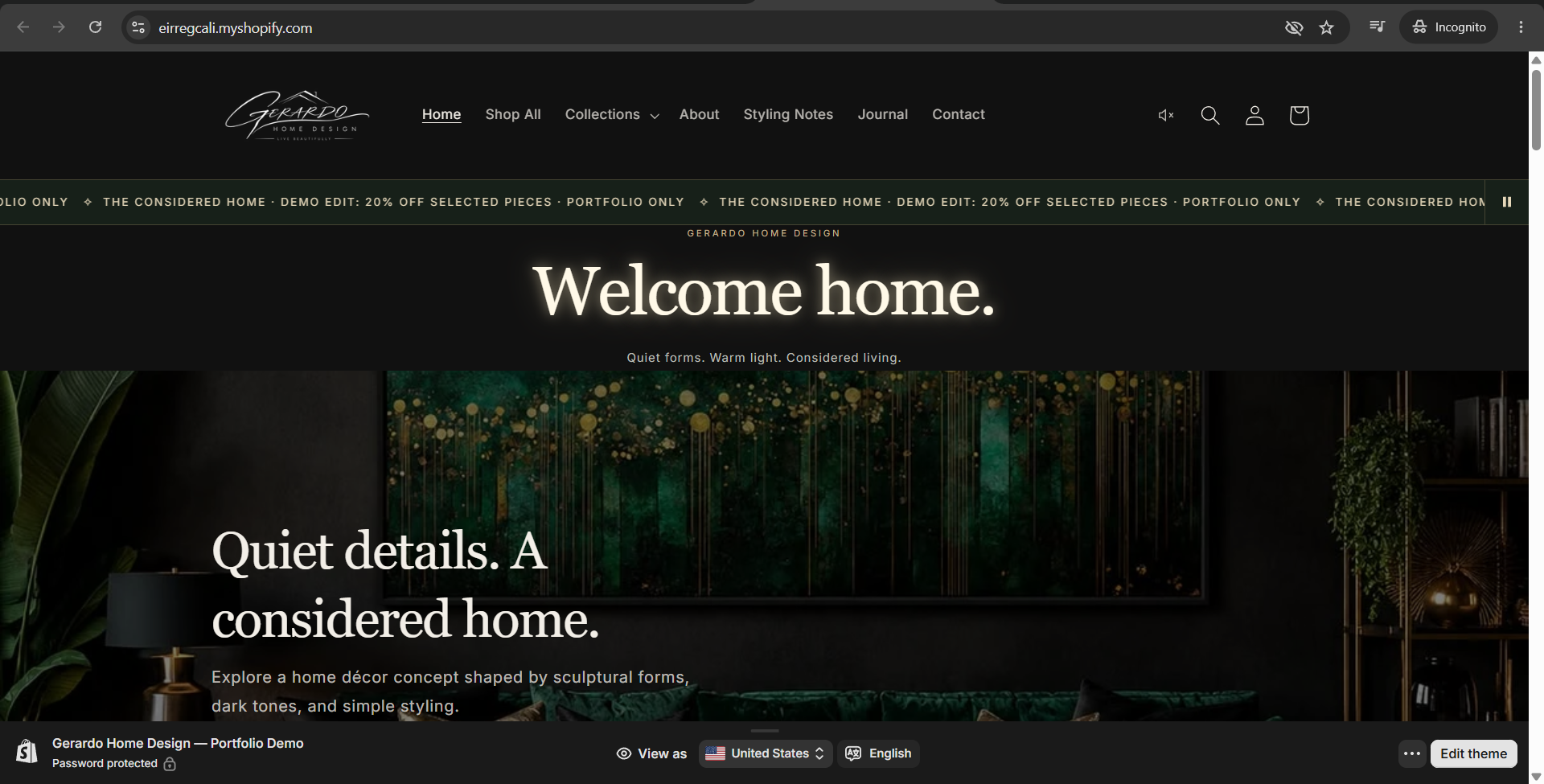
Gerardo Home Design demonstrates theme configuration, section layout, collections and product content. The case study includes genuine Shopify Admin evidence.
Open Home Design case study →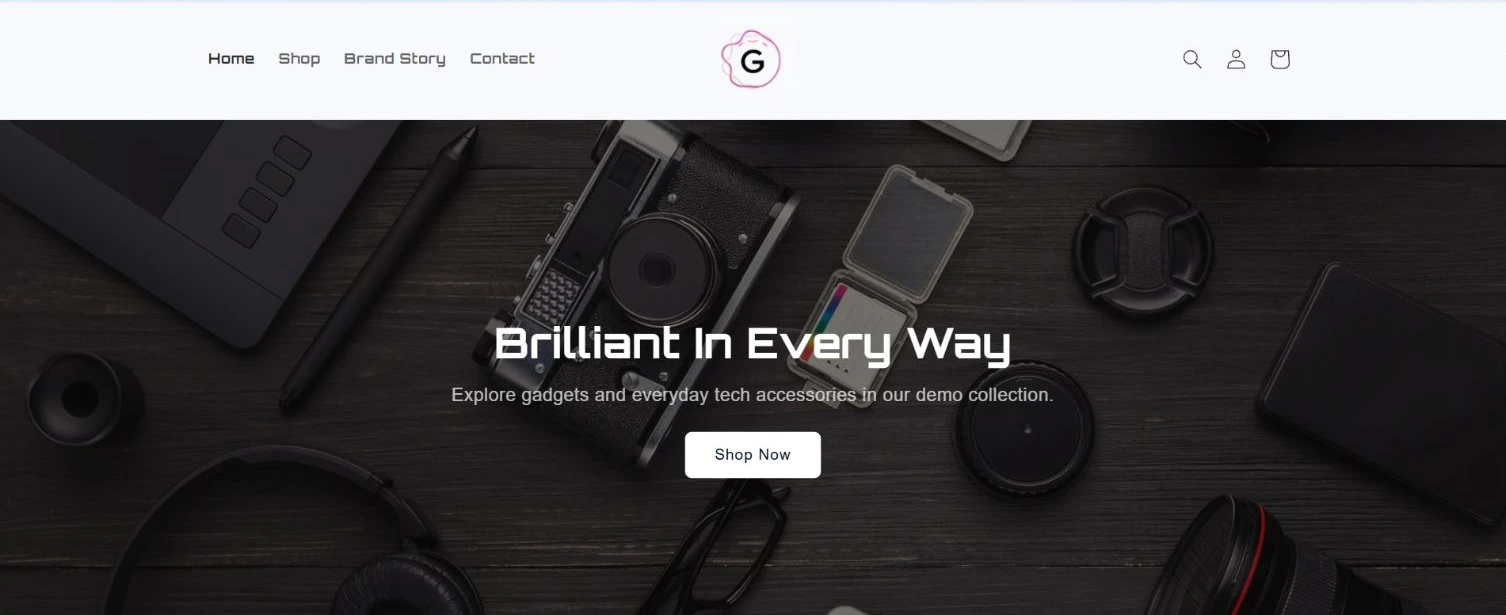
A second storefront direction
Gerardo Electronic Demo uses an electronics catalog to demonstrate homepage organization, navigation and product-listing structure.
Open Electronic Demo case study →Scope: theme settings, sections, navigation, collections and content. Advanced custom apps and complex development are outside this sample.
Store launch review
An 18-point reusable checklist. All checks begin as “To verify.” Ticking a box here is a browser exercise, not evidence that a real store passed QA. Nothing is saved or changed in Shopify.
Ask the owner to approve shipping, taxes, policies, payments and launch timing. A test order must use an agreed test method; this exercise places no orders.
A sample Shopify VA task handoff
Four fictional practice assignments, with priorities, a concrete action and a review gate. No real customer or order data is used.
| Priority | Practice task | Action | Handoff |
|---|---|---|---|
| P1 | Fix product detail mismatch | Compare supplied specs and variant labels; draft the correction. | Owner confirms the facts; do not publish unverified details. |
| P2 | Prepare a collection menu | Group the sample catalog and check menu destinations. | Share the proposed structure and links for review. |
| P2 | Check mobile storefront | Review hero, product cards, cart controls and footer. | Record the page, device width and exact issue. |
| P3 | Draft customer follow-up | Write a clear reply for a fictional missing-address scenario. | Leave as draft; escalate refunds or policy exceptions. |